
Download Microsoft Sway – online presentation tool, interactive documents, visual storytelling, digital resume, professional reports
Overview
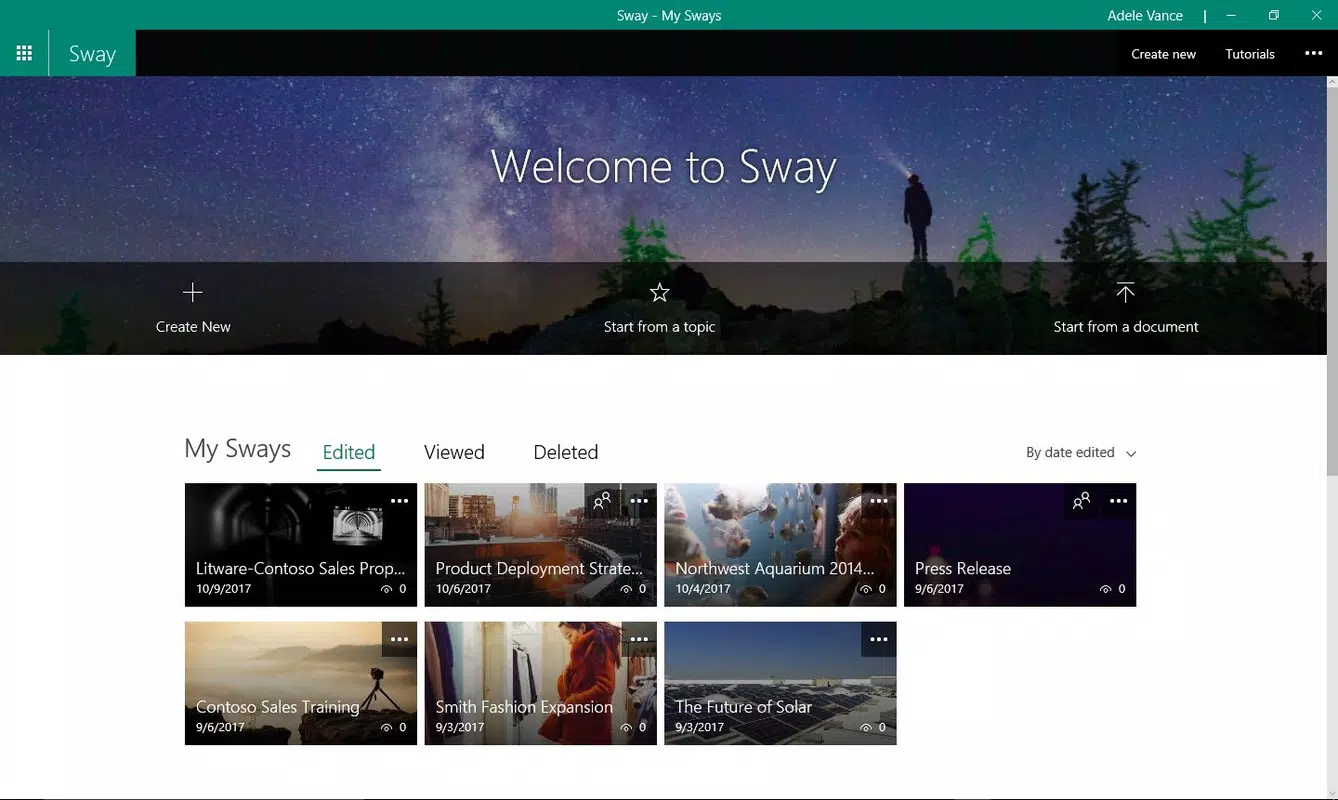
Microsoft Sway is a mobile application designed to simplify the creation of online presentations, interactive newsletters, and visually compelling documents. Built for users who value dynamic content delivery, the app enables seamless content assembly through an intuitive interface. Its core purpose lies in transforming static information into engaging, web-like experiences that viewers can explore at their own pace. This makes it particularly effective for professionals, educators, and creatives seeking to present ideas with visual impact and narrative flow.
By operating entirely online, Sway eliminates the need for local file storage and ensures real-time access across devices, provided a stable internet connection is available. This model supports collaborative workflows and immediate updates, allowing users to share projects instantly without file transfers. The app caters to a broad audience, including business users preparing reports, students creating academic portfolios, and individuals building digital resumes. Its integration with Microsoft’s ecosystem enhances accessibility for users already invested in Office 365 or Microsoft 365 services.
Although the developer did not provide additional technical details about the app’s development history, Microsoft’s reputation in productivity software lends credibility to Sway’s reliability and long-term support. The app’s focus on visual storytelling positions it as a modern alternative to traditional presentation tools like PowerPoint, especially in contexts where interactivity and self-guided exploration are valued. Its presence in the productivity category underscores its role in enhancing digital communication across personal and professional domains.
Key Features & Functionality
- Online Accessibility: Sway functions exclusively through a web connection, ensuring all projects are stored and updated in the cloud. This allows users to access and edit their work from any device with a browser, making it ideal for remote or hybrid workflows.
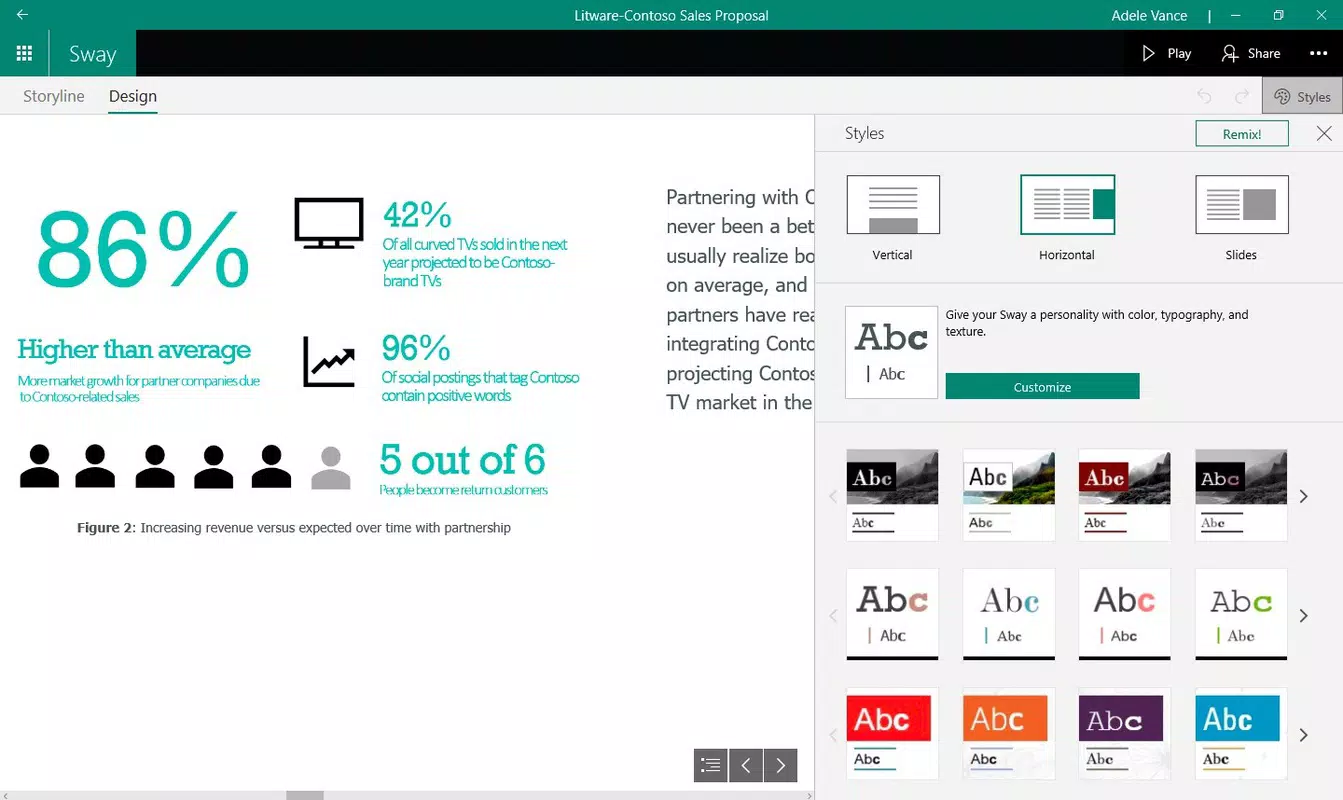
- Template Library: The app offers over a dozen pre-designed templates tailored for business reports, newsletters, resumes, and creative storytelling. These templates provide structured layouts that streamline content organization, reducing the time spent on design decisions.
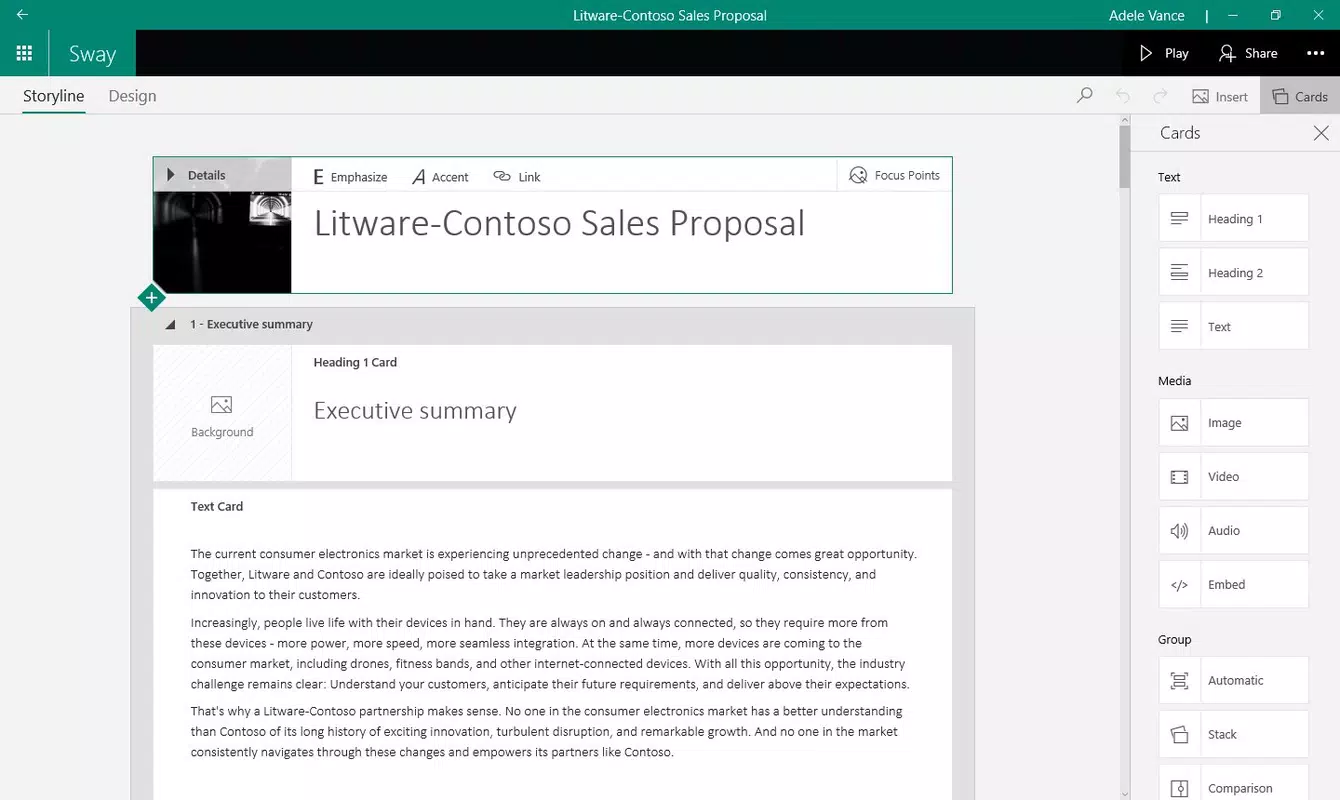
- Step-by-Step Creation Flow: Users begin by setting a title, then progressively add content blocks such as text, images, videos, and links. The interface guides users through each stage, minimizing the learning curve and enabling quick project completion.
- Interactive Document Format: Unlike traditional slide-based tools, Sway presents content in a scrollable, web-like format. This encourages viewer autonomy, allowing audiences to engage with information in a non-linear, self-paced manner—ideal for digital resumes or educational materials.
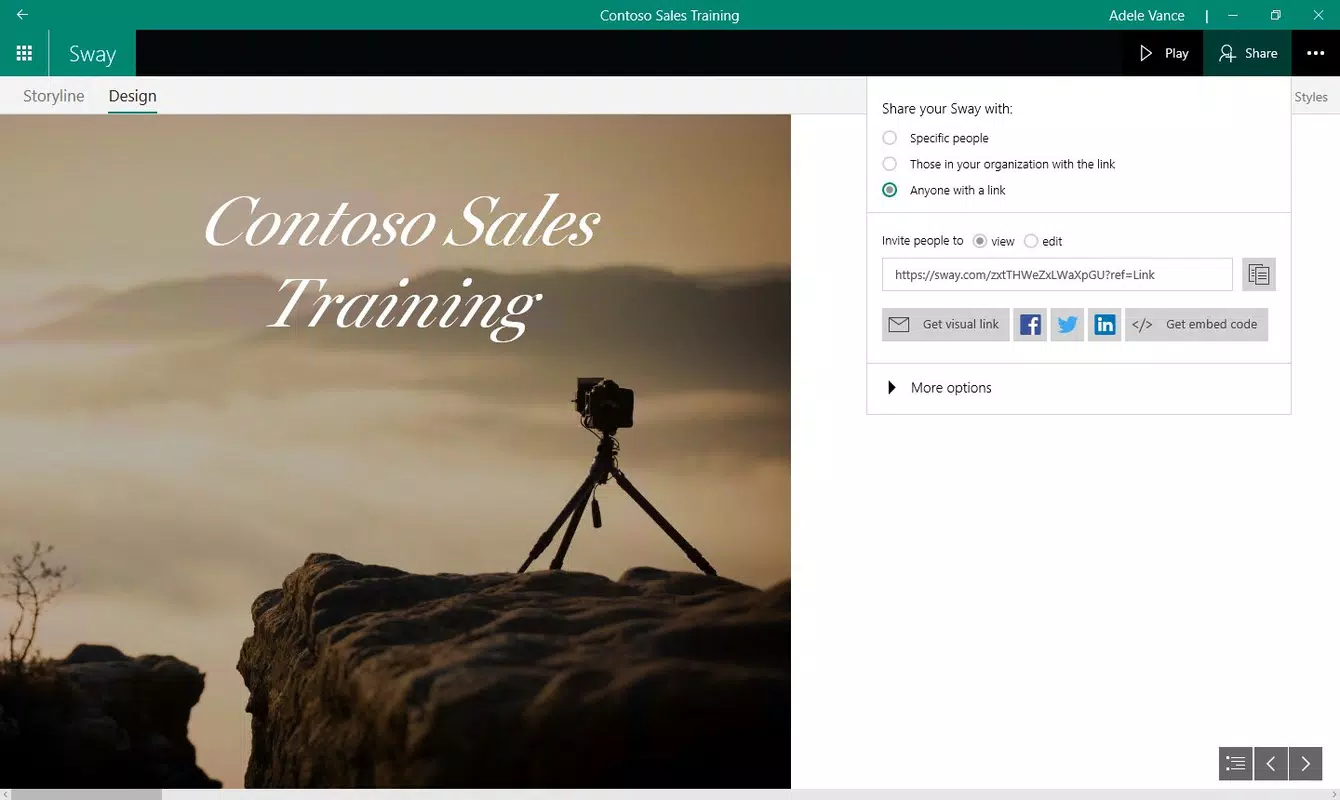
- Seamless Sharing Options: Completed projects can be shared via a simple link, embedded in websites, or exported to compatible platforms. This flexibility supports both public and private distribution based on user needs.
For example, a job seeker can use a resume template to build a digital portfolio with embedded videos and project links, while a teacher might create an interactive lesson that students can explore independently. These real-world applications highlight Sway’s adaptability across different use cases, from professional reporting to personal storytelling.
Interface, UX & Performance
The user interface of Microsoft Sway is clean, minimal, and centered around content flow. Navigation is linear and intuitive, with a sidebar for managing sections and a central workspace for editing. The visual design emphasizes readability and visual balance, using consistent spacing and typography that adapts to different screen sizes.
Interaction is smooth, with drag-and-drop functionality for adding media and easy reordering of content blocks. The app responds promptly to user inputs, maintaining a responsive feel even when handling multiple images or embedded links. Although the developer did not list formal performance metrics, user feedback suggests consistent behavior across mid-range and high-end Android devices.
Stability appears to be well-maintained, with minimal crashes reported during typical usage. However, performance may vary depending on network speed and browser compatibility, especially when loading rich media. Users encountering lag or rendering issues are advised to clear cache or use a supported browser. Overall, the UX prioritizes ease of use and visual clarity, making it accessible even to non-technical users.
Platform Compatibility & Technical Requirements
Microsoft Sway is available on the Android platform and requires Android 6.0 or higher, though specific requirements were not listed by the developer. The app has a file size of 15.4 MB, indicating a lightweight footprint suitable for devices with limited storage.
It operates entirely online, meaning no local installation of complex software is required. Users must maintain an active internet connection to create, edit, or view projects. The app does not support offline mode, which may affect usability in low-connectivity environments.
The developer did not specify minimum OS requirements or compatibility details beyond the platform. Users should ensure their device meets general Android standards for web browsing and app performance. Updates are likely delivered through the Google Play Store, ensuring users receive the latest features and security patches.
Pros and Cons
- Lightweight app at 15.4 MB, ideal for devices with limited storage
- Free to download and use, with no in-app purchases
- Intuitive step-by-step creation process suitable for beginners
- Rich template library for diverse use cases
- Real-time collaboration and cloud-based access across devices
- Requires constant internet connection for all functions
- No offline editing capability
- Dependent on browser compatibility and network stability
- May not support advanced formatting features found in desktop tools
- Limited customization options compared to full desktop applications
FAQ
Is Microsoft Sway safe to use on Android?
Yes, Microsoft Sway is a secure application developed by Microsoft, a trusted software provider. It uses encrypted connections and adheres to Microsoft’s privacy standards.
Can I use Sway without a Microsoft account?
While the app is free to download, creating and saving projects typically requires a Microsoft account for authentication and cloud storage.
Does Sway support offline work?
No, Microsoft Sway does not support offline editing. All content creation and access require an active internet connection.
How often is Sway updated?
Updates are released periodically through the Google Play Store. The latest version available is 1.0.187 as of the release date.
Is Sway compatible with iOS devices?
The developer did not specify iOS compatibility. Currently, the app is available only on Android.
Final Thoughts
Microsoft Sway stands out as a modern, accessible tool for creating visually rich, interactive content without the complexity of traditional presentation software. Its emphasis on storytelling, cloud-based accessibility, and user-friendly design makes it an ideal choice for professionals, students, and creatives seeking to communicate ideas effectively. While its reliance on internet connectivity and lack of offline support may limit use in certain scenarios, its strengths in simplicity, versatility, and integration with Microsoft’s ecosystem outweigh these constraints.
For users who value dynamic, viewer-driven content and want a streamlined way to build digital resumes, reports, or newsletters, Sway delivers real value. It bridges the gap between static documents and interactive web experiences, offering a fresh approach to digital communication.
Download Microsoft Sway now


